









































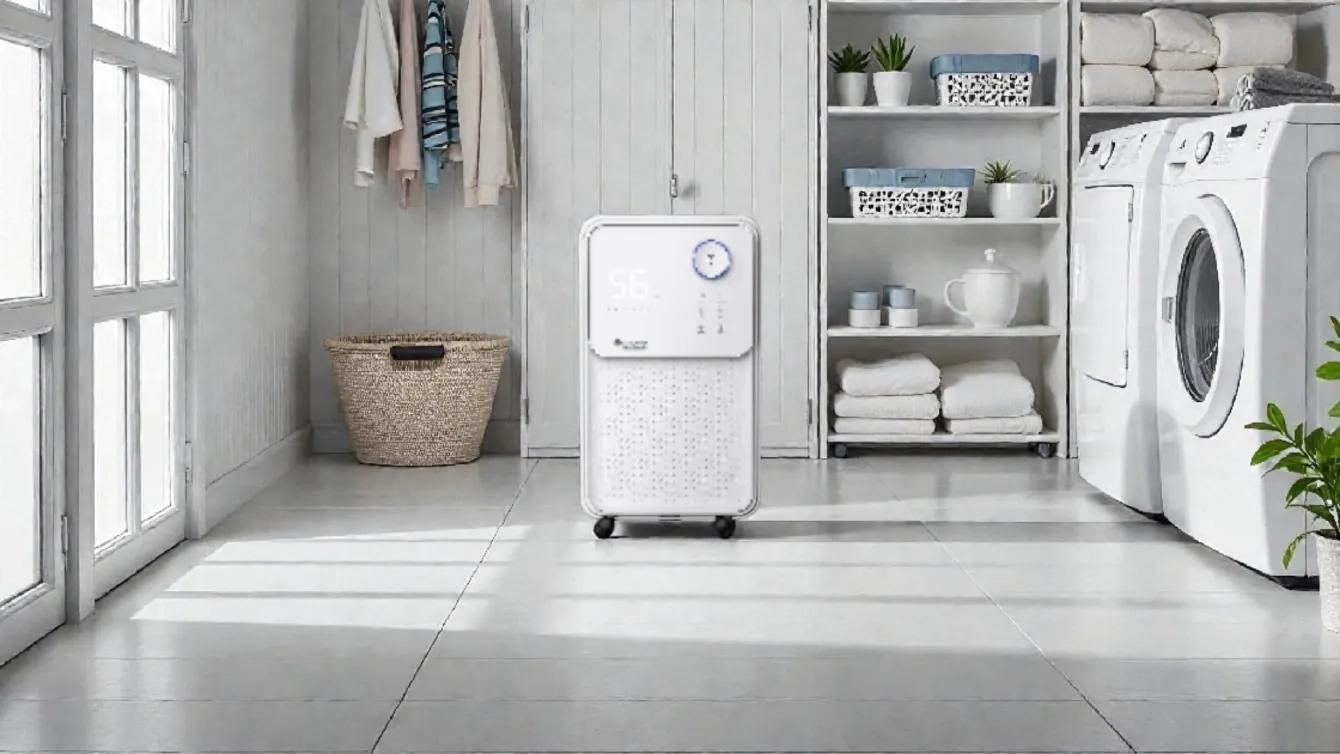
Excess indoor humidity can lead to mold, mildew, and other issues that negatively affect residents' health and comfort. In European cities such as London, Stockholm, Warsaw, Amsterdam, Berlin, and Paris, where the climate is characterized by high humidity, especially in the autumn-winter period, a dehumidifier has become an essential household appliance. Proper placement and setup of a dehumidifier ensure maximum efficiency and longevity.
Modern MYCOND dehumidifier models, such as the Yugo Smart 16 and Roomer Smart 25, are equipped with intelligent features that allow you to control indoor humidity and manage the device via Wi‑Fi. However, to achieve optimal results, it’s important to know where and how to properly place a dehumidifier in your home.

Where to place a dehumidifier: choosing the optimal room
Choosing the right location for a dehumidifier depends on several factors, including humidity levels in different rooms, room size, and specific moisture issues.
Choosing a room: bedroom, basement
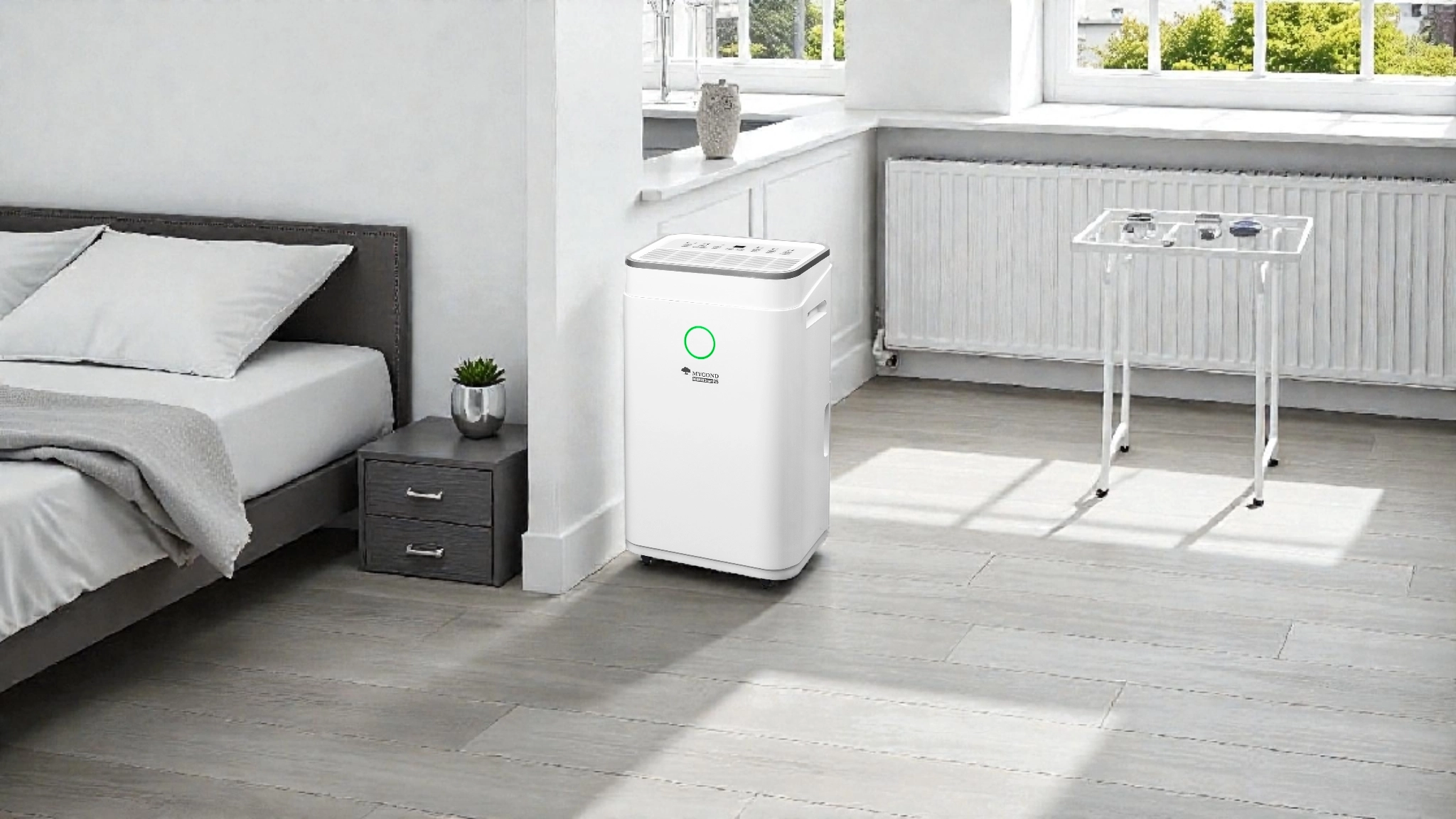
The bedroom is one of the most suitable places for a dehumidifier, especially if you suffer from allergies or asthma. The Roomer Smart 25 model is ideal for bedrooms thanks to its low operating noise — just 38 dB in quiet mode. This bedroom dehumidifier creates a comfortable microclimate for healthy sleep, reducing the risk of respiratory problems.
The basement is the area most often affected by excessive humidity due to poor ventilation and contact with the ground. A basement dehumidifier should be more powerful than for other rooms. The Yugo Smart 16 with a capacity of up to 16 liters per day and the Roomer Smart 25 with a capacity of up to 25 liters per day are excellent choices for basements.
How far from the wall to place a dehumidifier
One of the most important placement rules is ensuring proper air circulation. The recommended distance from the wall to the dehumidifier is at least 30–50 cm. This allows the device to efficiently draw in moist air and exhaust dry air. It’s also important to keep the ventilation openings unobstructed — there should be at least 20 cm of free space above and on the sides of the dehumidifier.
How to install a dehumidifier correctly: step-by-step guide
Proper installation not only ensures maximum efficiency but also extends the device’s service life.
Installation instructions
- Unpack the dehumidifier and check it for any damage.
- Place the unit on a level, stable surface capable of supporting its weight.
- Ensure free space around the dehumidifier for air circulation.
- Make sure the device is positioned vertically and not tilted.
- If the dehumidifier was transported or stored horizontally, let it stand upright for at least 24 hours before turning it on so the refrigerant can stabilize.
- Connect the dehumidifier to the power supply (make sure the voltage matches the device’s requirements).
- If you plan to use continuous drainage, prepare a drain hose and a container or floor drain.
Can you place a dehumidifier near a window
Placing a dehumidifier near a window has its pros and cons. On one hand, condensation often accumulates around windows, especially during cold seasons, so placing the device nearby can be effective. On the other hand, if the window has gaps or poor sealing, outside air entering the room can reduce the dehumidifier’s efficiency.
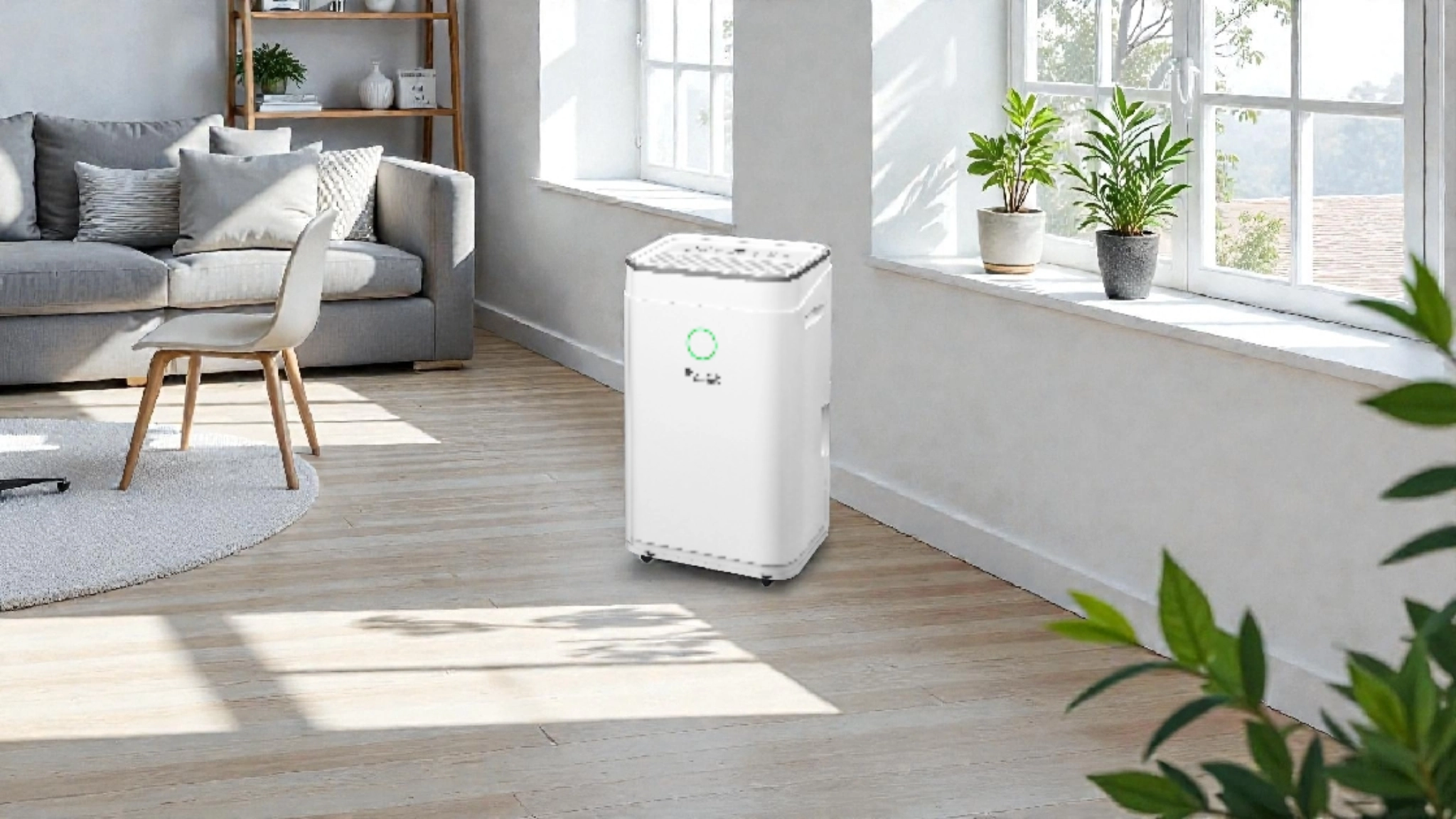
It is recommended to place the dehumidifier about 1 meter from the window so it can effectively combat condensation without being directly affected by outside air. It’s also important to avoid direct sunlight on the unit, as this may cause overheating.
Where to put a dehumidifier in a room for maximum efficiency
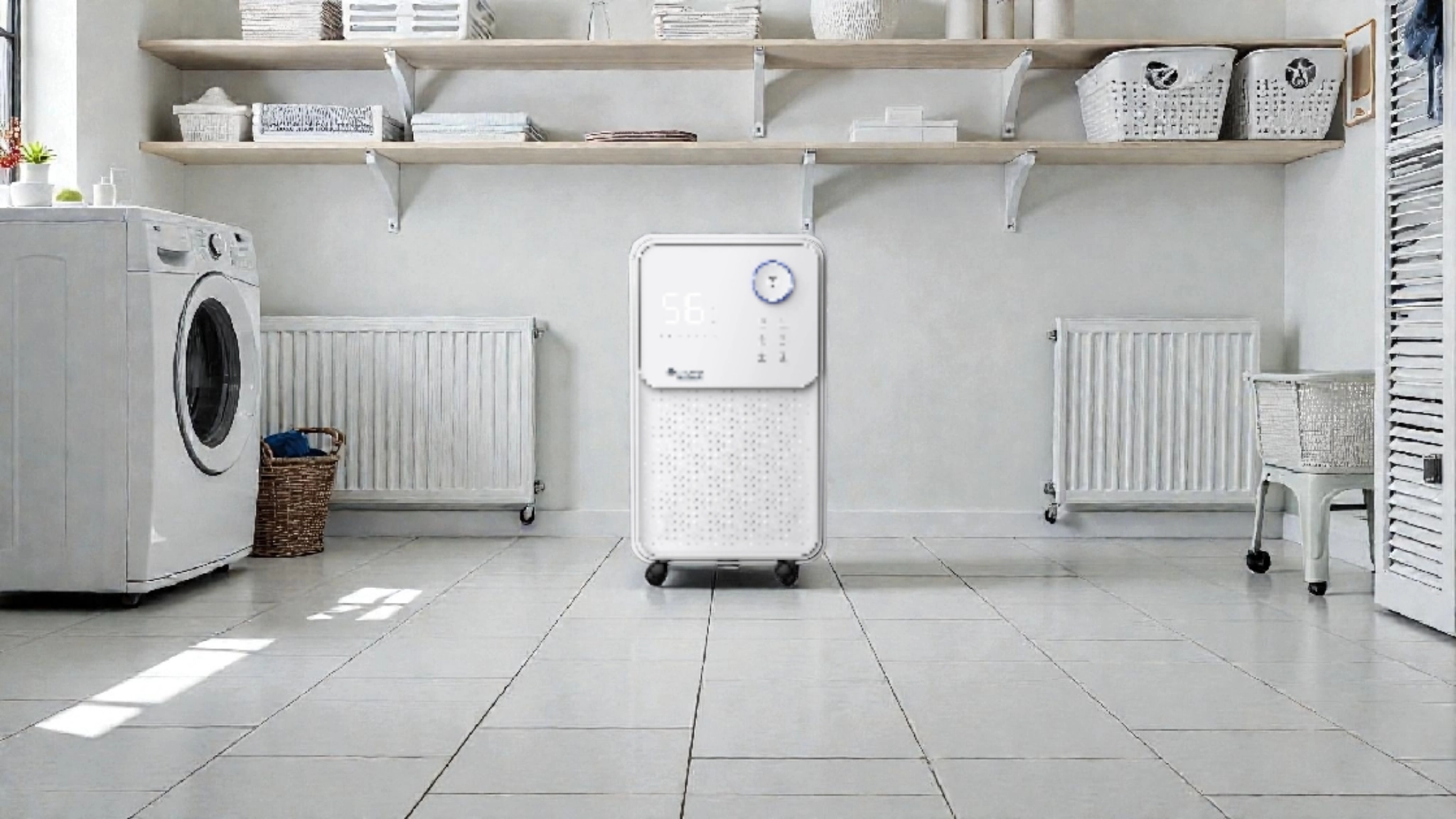
The placement of a dehumidifier in a room should meet several criteria to ensure maximum efficiency.
Placement for maximum efficiency
- The center of the room is one of the most effective locations, as it ensures even air circulation.
- If there are local moisture sources (e.g., a bathroom), place the dehumidifier near that source.
- For large rooms, position the dehumidifier closer to the dampest area.
- Avoid placing the dehumidifier near radiators and direct heat sources.
Placement tips for an apartment
In an apartment, where to place a dehumidifier depends on the specific moisture problems. Most often, dehumidifiers are placed in bathrooms, kitchens, or laundry rooms — areas with higher humidity levels. However, for effective humidity control throughout the apartment, you can place the unit in a central hallway or living room, keeping doors to other rooms open to allow airflow.
If you can purchase multiple dehumidifiers, it’s recommended to place separate units in bedrooms and main living areas. The Yugo Smart 16, with a capacity of 16 liters per day, is ideal for small apartments up to 25 m², while the more powerful Roomer Smart 25 can handle larger spaces up to 35 m².
Connecting your dehumidifier to Wi‑Fi and configuration
Modern MYCOND dehumidifiers with Wi‑Fi control provide convenient humidity management via a mobile app.
How to connect a dehumidifier to Wi‑Fi
- Download and install the MYCOND app on your smartphone (available for iOS and Android).
- Create an account or log in to your existing one.
- Turn on the dehumidifier and ensure it is in Wi‑Fi pairing mode (usually indicated on the control panel).
- In the app, tap “+” to add a new device.
- Select “Dehumidifier” from the device list.
- Make sure your smartphone is connected to a 2.4 GHz Wi‑Fi network (5 GHz is not supported by most devices).
- Enter your Wi‑Fi network password.
- Follow the on-screen instructions to complete the connection process.
Configuring a MYCOND dehumidifier via the app
After successfully connecting the dehumidifier to Wi‑Fi, you gain access to advanced controls in the MYCOND app:
- Remote power on/off
- Setting the desired humidity level
- Selecting operating modes (automatic, continuous, laundry drying, etc.)
- Timer settings
- Monitoring current indoor humidity
- Viewing device operation history
- Receiving alerts to clean the filter or empty the reservoir
Continuous drainage for a dehumidifier: convenience and efficiency
Continuous drainage is a feature that allows a dehumidifier to run for extended periods without the need to regularly empty the water tank.
How to set up continuous drainage
- Locate the drain hose connection on the back or side panel of the dehumidifier.
- Prepare a drain hose of the appropriate diameter (usually included or sold separately).
- Connect one end of the hose to the dehumidifier’s drain outlet, ensuring a secure fit.
- Route the other end of the hose to a floor drain or water collection container.
- Ensure the hose has a constant downward slope to allow gravity drainage. Avoid kinks and bends that may obstruct water flow.
Benefits of continuous drainage
- Continuous operation without stopping to empty the reservoir
- Ideal for spaces with high humidity levels
- Convenient for prolonged use, such as in basements or when you’re away from home
- Prevents tank overflow and automatic shutdown of the device
- Saves time and effort on maintenance
What humidity to set on the dehumidifier
Setting the correct humidity level on your dehumidifier ensures an optimal indoor microclimate and efficient operation.
Recommended humidity parameters
The optimal relative humidity level for living spaces is 40–60%. This range provides comfortable conditions, helps prevent mold and mildew, and protects furniture and other items from moisture-related damage.
Humidity settings for different rooms
- Bedrooms and living rooms: 40–50% — optimal for comfortable sleep and stay
- Kitchen and bathroom: 50–60% — considering higher moisture sources
- Basements and utility rooms: 45–55% — to prevent corrosion and mold growth
- Rooms with electronics and musical instruments: 40–45% — to protect sensitive equipment
In the cold season, it’s recommended to maintain a slightly lower humidity (40–45%) to prevent condensation on cold surfaces and windows. In summer, you can set a higher level (50–60%), especially if you use air conditioning, which also removes some moisture from the air.
What to do if the dehumidifier works poorly
Sometimes users encounter situations where a dehumidifier doesn’t perform as expected. Let’s look at the main causes and how to fix them.
Main causes of malfunctions
- Dirty air filter — regularly check and clean the filter according to the user manual
- Insufficient air circulation — ensure the device is installed with the recommended distances from walls and objects
- Too low room temperature — most dehumidifiers work efficiently above 15°C
- Full water reservoir — empty the tank regularly or set up continuous drainage
- Technical issues — if you notice unusual noises, smells, or error codes on the display, contact a service center
Why the dehumidifier collects little water
If the dehumidifier collects little water, it may be due to several factors:
- Low indoor humidity — if humidity is already close to the set point, the dehumidifier will run less intensively
- Insufficient capacity for the room size — make sure you chose a model with adequate performance
- Low room temperature — below 15°C, dehumidifier efficiency drops significantly
- Poor air circulation — check the device’s placement
- Cooling system or compressor issues — contact a service center for diagnostics
Conclusion: optimal use of a dehumidifier
Proper placement and configuration of a dehumidifier are key to achieving an optimal indoor microclimate. MYCOND Yugo Smart 16 and Roomer Smart 25 dehumidifiers with Wi‑Fi control provide convenient humidity management and comfortable living in humid climates typical of cities like London, Stockholm, Warsaw, Amsterdam, Berlin, and Paris.
By following the recommendations for placement, connection, and setup, you can maximize the device’s efficiency, extend its service life, and ensure a healthy indoor environment. Remember that maintaining optimal humidity not only prevents mold and mildew but also supports overall health and comfort.
For best results, choose dehumidifiers based on room size and humidity level. MYCOND models with Wi‑Fi control via the MYCOND app offer maximum control and convenience, allowing you to manage the device even when you’re away from home.
Ensure a comfortable indoor climate in your home with MYCOND dehumidifiers — your reliable assistant in combating excess humidity!


